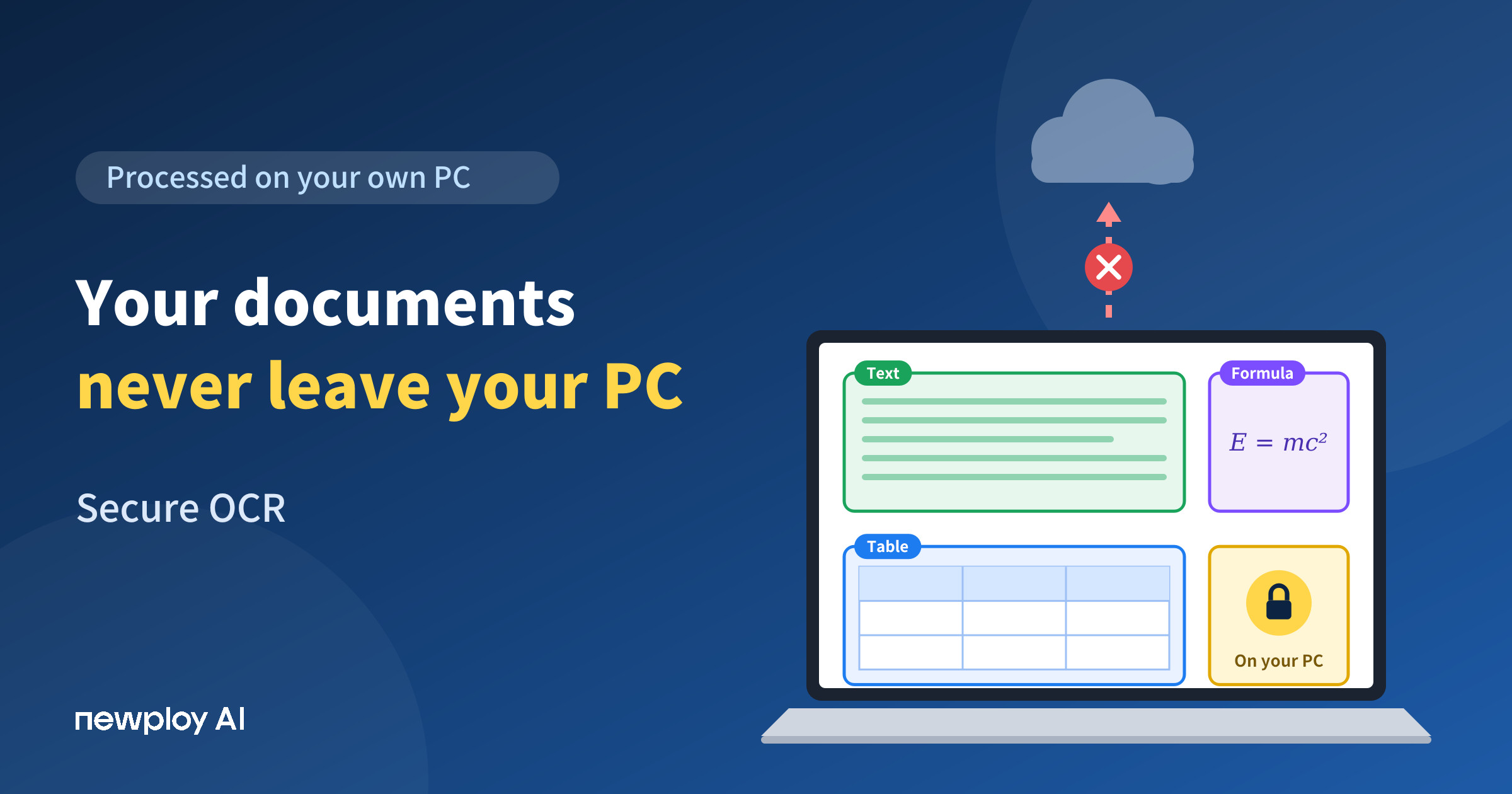
Secure OCR keeps confidential documents on your PC instead of a cloud server. See how it differs and what to check before you adopt it.
Secure OCR: How to Recognize Confidential Documents Without Sending Them Out
Secure OCR matters because of one quiet moment: the second you upload a contract or a payroll file to turn it into text, that file can leave your computer. Yet most people never ask where an OCR tool actually processes their documents. For anything confidential, though, where the document is processed is where security starts.
In this guide, we use Newploy AI as the example. You will see how OCR can run entirely on your own PC, which documents benefit most, and what to check before you adopt a tool.
What Is Secure OCR?
OCR turns the text in scans, photos, and image PDFs into text a computer can read. In this guide, secure OCR goes one step further: it processes your documents on your own PC instead of sending them out.
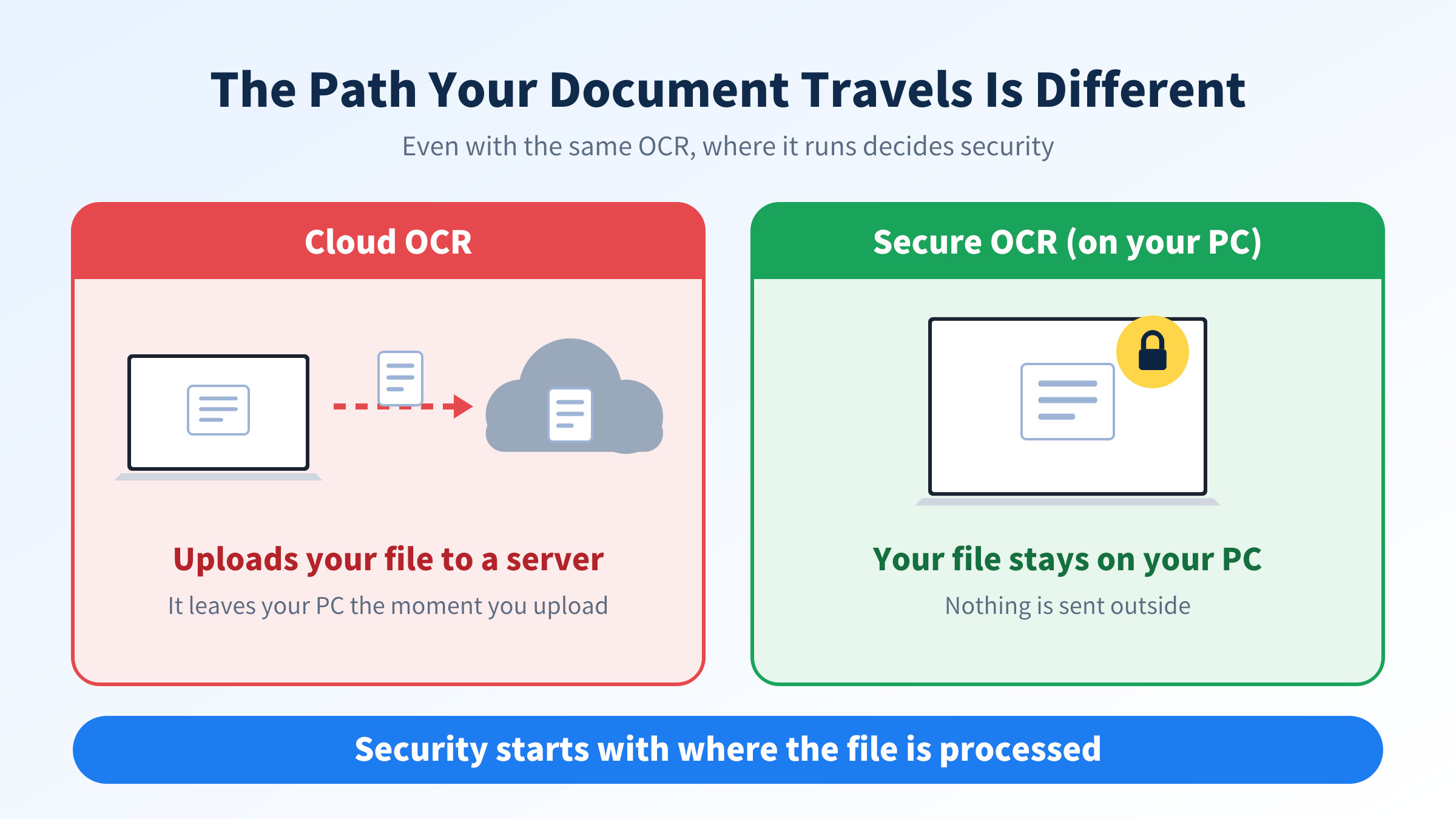
Newploy AI is desktop and laptop software that works on-device. As a result, your documents are processed only on your PC and are never sent outside. Cloud OCR, by contrast, needs you to upload the file to a server before recognition can start.
Cloud OCR | Secure OCR (Newploy AI) | |
|---|---|---|
Where documents are processed | An external server | On your PC |
To start recognition | Upload the document | Keep it on your PC and run it |
Does the document leave your PC? | Yes, once uploaded | No external transfer |
Internet connection | Needed every time | Not needed after installation |
In the end, the difference is not about how many features a tool has. It is about the path your document travels.
Why Uploading Confidential Documents to Cloud OCR Is a Concern
To be clear, not every cloud OCR service is unsafe. Still, a few points deserve a close look when the document is confidential.
First, there is the transfer itself. Once a file travels over the internet to an outside server, it is beyond your PC’s control. Second, there is storage and usage. How long an uploaded file is kept, and how it may be used, differs by service, so you have to read each policy. Third, there are internal rules. Some companies do not allow documents to be uploaded to outside services at all.
That is why, for confidential work, choosing a tool whose documents never leave in the first place is the most reliable approach.
Documents That Need Secure OCR Most
What counts as sensitive varies by role. However, the documents below are typical examples.
Document | What it contains |
|---|---|
Employment contracts and payroll files | Names, contact details, pay |
Business contracts and quotes | Terms, unit prices, client details |
Tax and accounting records | Business details, amounts, transactions |
Legal and litigation files | Case details, party information |
Internal reports and meeting materials | Business information not yet public |
Even one leaked page can be costly with files like these. So, look at where a tool processes documents before you look at convenience.
How Newploy AI Handles Your Documents
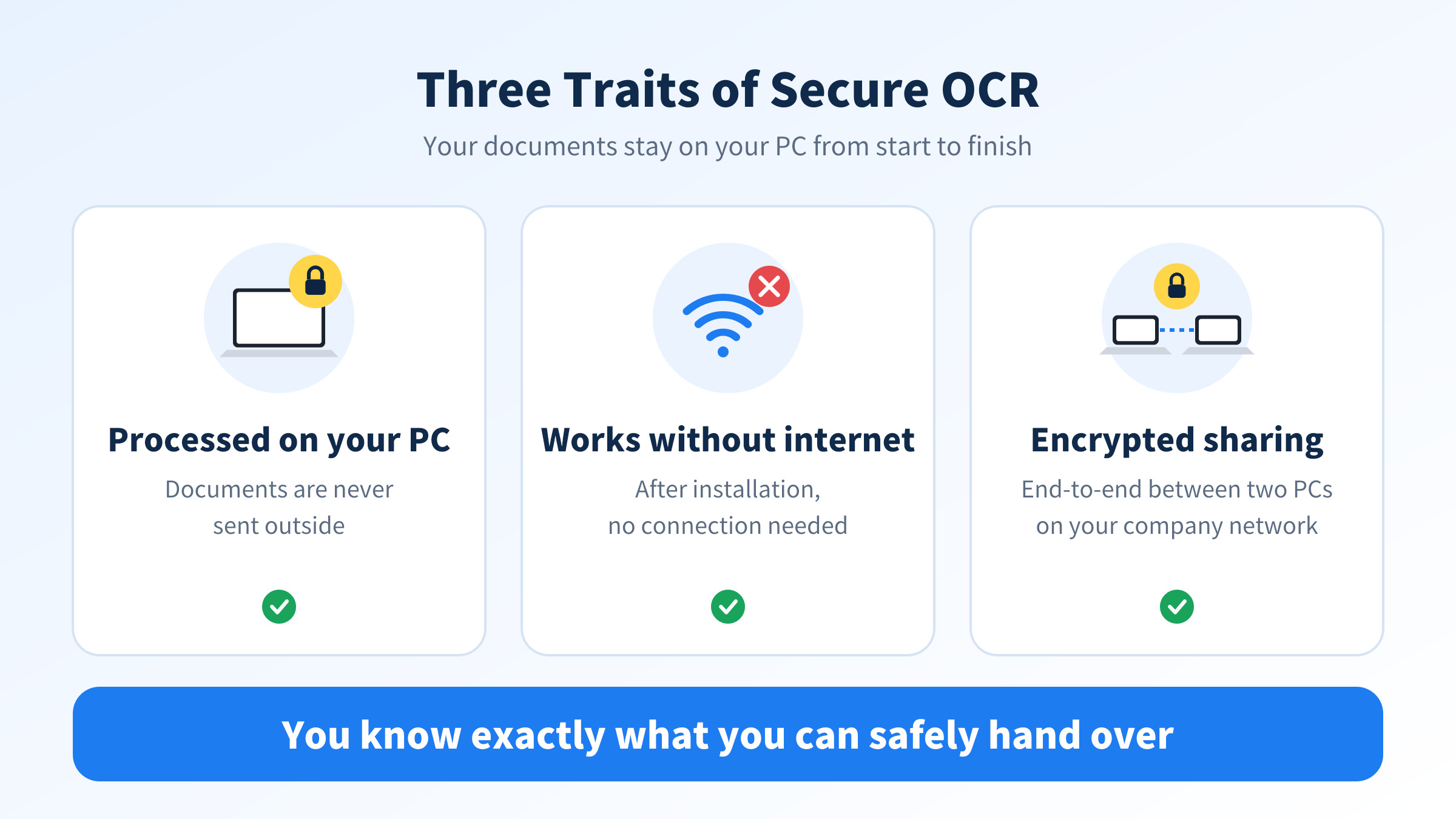
Newploy AI works as secure OCR for three reasons. First, recognition runs only on your PC, and no data is sent outside. Second, once it is installed, document recognition works normally with no internet connection, so it can run even in offices where outside access is blocked. Third, when you share a document with a colleague, it travels between two PCs on your company network with end-to-end encryption.
Recognized text is not exported as a file. Instead, you copy it and paste it into Word or Excel. That cuts down on retyping by hand, and the document stays on your PC the whole way.
One point to keep in mind: features that use the web, such as web search, need an internet connection. They are separate from reading documents. Also, the security of the PC itself, such as account locks and antivirus, is still up to you.
A Checklist Before You Adopt Secure OCR
Going through these steps in order helps you avoid missing anything.
Step | What to check | Note |
|---|---|---|
1 | Sort which documents are confidential or personal | Group them by document type |
2 | Find out where your current tool processes files | An outside server or your own PC |
3 | Review your PC’s security | Account locks, antivirus, and so on |
4 | Decide how you will share documents | Sharing on the company network uses end-to-end encryption |
5 | Decide where results are saved | Where the pasted Word or Excel file will live |
Step 2 matters most. Simply knowing where a tool processes your files tells you half the risk.
Where Secure OCR Helps in Practice
Tax and accounting staff
Client records hold business details and transaction history. If uploading them to an outside server always felt uncomfortable, a tool like Newploy AI, where everything finishes on your PC, gives real peace of mind. Plus, you can copy the result straight into your document.
HR managers
Employment contracts and payroll files are full of personal data. For that reason, documents that never leave the PC is often the biggest reason HR teams adopt it. In addition, it works without internet after installation, so strict company networks are less of a problem.
Contract and legal staff
A draft contract or litigation file is hard to take back once it leaks. Therefore, fixing the processing location to your own PC makes it clear what you can safely hand to the tool. When you share with a teammate, you can do it over the company network with end-to-end encryption.
Frequently Asked Questions
Q. Are my documents really not sent anywhere?
Yes. Newploy AI is on-device, so your documents are processed only on your PC and are never sent outside.
Q. Can I use it without internet?
Yes, once it is installed, document recognition works normally without an internet connection. You only need internet to download the installer.
Q. Is it safe to share documents with colleagues?
When you share on your company network, end-to-end encryption protects the transfer between the two PCs.
Q. Does it run on a smartphone?
Not yet. It currently runs on desktops and laptops only. Move photos from your phone to your PC before recognizing them.
Conclusion
The core of secure OCR is simple: your documents stay on your PC. Newploy AI processes recognition on-device, works without internet after installation, and applies end-to-end encryption when you share inside your company network. If you need to turn confidential documents into text with confidence, start by checking where your tool processes them.
Try it now: Download Newploy AI
Learn more: About Newploy AI
Planning a rollout for your company? Contact us