Learn how to extract text, tables, and equations from scanned papers and textbook photos for citations.
Research Paper OCR for Scanned Papers
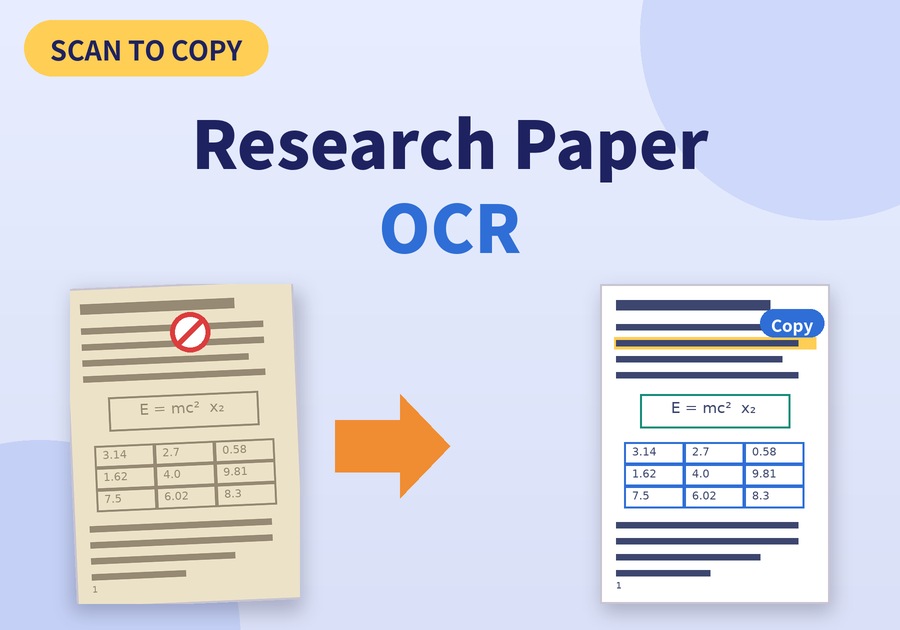
A paper page you could not copy from becomes a quote in your notes with a single drag.
That change is what the OCR feature of Newploy AI brings. Once you let OCR read a scanned or photographed paper or textbook, you can pull out the sentences and tables you need right away. Let's walk through how to use research paper OCR, step by step.
1. How to Tell If You Need Research Paper OCR
First, check whether your file holds text or only an image. These three checks are enough.
Check | PDF with text | Image PDF or photo |
|---|---|---|
Drag over the text | The text is selected | Nothing happens, or the whole page is selected |
Search a word with Ctrl+F | The word is found | Nothing is found |
Copy and paste | The text is pasted | Nothing is pasted |
If your file matches the right-hand column, you need research paper OCR. Papers scanned at a library and textbook pages shot with a phone are typical cases. However, PDFs with copy restrictions set by a password are outside this method. If dragging over the text does nothing, run research paper OCR to create the text first.
2. How Research Paper OCR Turns Scans into Quotes
So what does the process look like in practice? Here it is in four steps.
Step | What you do |
|---|---|
① Gather files | Put paper PDFs and textbook photos (JPG, PNG) in one place. Move phone photos to your PC |
② Recognize | OCR reads the text, tables, and equations by region |
③ Review | Compare equations, tables, and footnotes with the original |
④ Copy and save | Copy the sentences you need, or save to Excel, PDF, or HWPX |
Because the program reads paragraphs, tables, and equations as structure, not just plain text, papers full of result tables are easier to organize. Equations can be converted into LaTeX.
3. Research Paper OCR: What to Check Against the Original
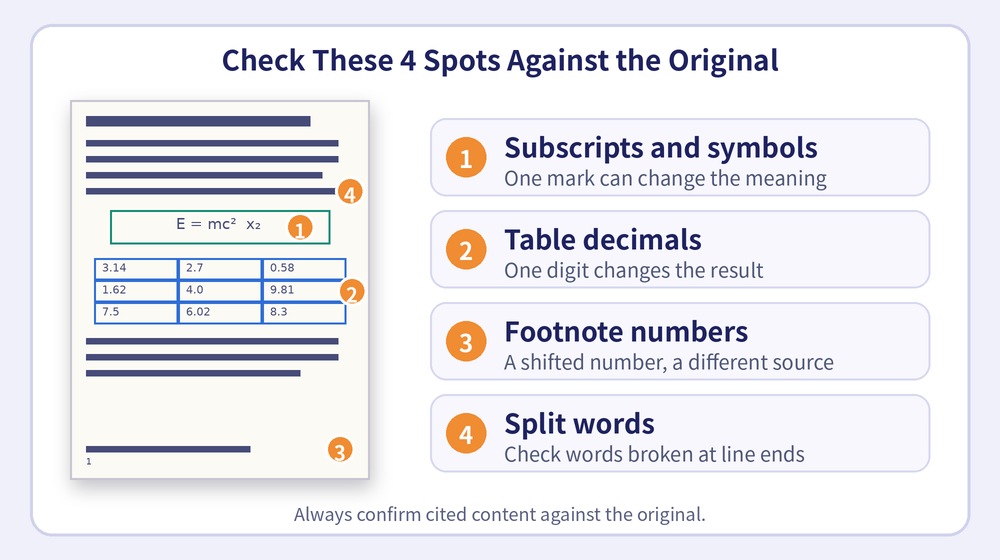
However, a single character can change a citation, so compare your research paper OCR results with the original once. Pay special attention to the points below.
What to check | Why it matters |
|---|---|
Equation symbols and subscripts | One subscript or superscript can change the meaning |
Numbers and decimal points in tables | A one-digit difference changes how results read |
Footnote and reference numbers | A shifted number points to a different source |
Quotation marks and line breaks | Check that words split at line ends are joined correctly |
Always confirm the content you cite against the original once more.
4. Where Research Paper OCR Helps
Used with these checks, it helps in different ways depending on your situation.
Situation | How to use it |
|---|---|
Undergraduates | Copy key sentences from textbook photos into summary notes |
Graduate students | Extract quotes and result tables from scanned prior studies |
Researchers and professors | Move tables and equations from old reference books into documents you can reuse |
Getting Started with Research Paper OCR
Newploy AI is an on-device document AI, so recognition happens on your PC and your documents never leave it. In addition, it runs on a CPU alone, so a standard office PC is a fine place to start. There is no mobile version yet, so move photos taken with your phone to your PC before reading them.
Read the one page of the paper you could not copy from. See whether the sentence you wanted to quote copies right away. The basic OCR feature of Newploy AI is free for both individuals and businesses, and you can start using it right away.
You can download it at newploy.ai/download.