Five questions security teams ask before adopting OCR, plus a short pre-adoption checklist.
5 Security Questions Before Adopting OCR
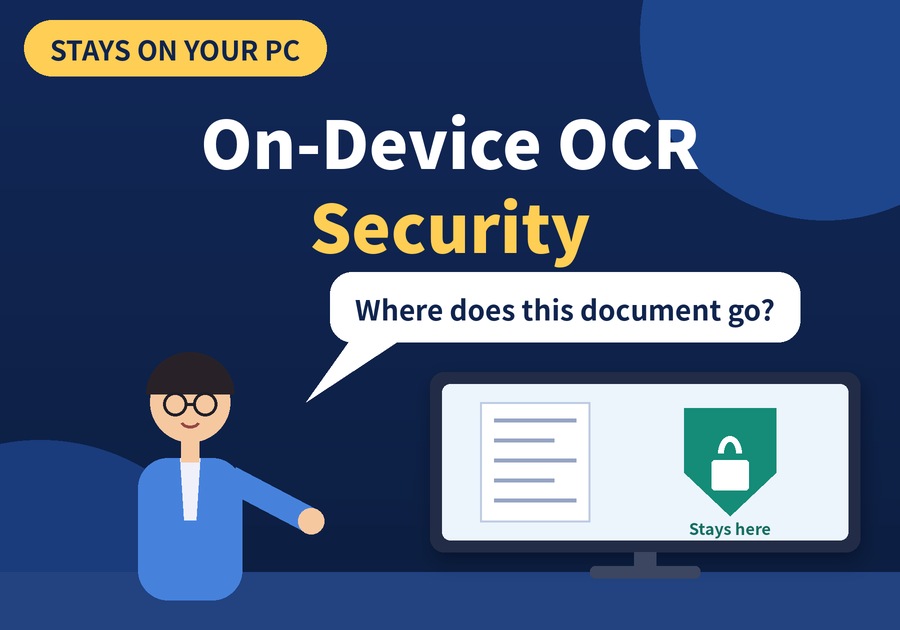
In an adoption review, the first thing a security officer asks about is not features but "Where does this document go?"
The answer to that question is the OCR feature of Newploy AI. When recognition happens inside your PC, there is no need to start by asking whether documents are leaving it. Let's walk through on-device OCR security, one question at a time.
1. On-Device OCR Security: Why Ask Before You Adopt
The more sensitive the documents, such as contracts, medical records, and financial files, the more likely OCR is to go through a security review first. To start, let's compare how the points to check change with each recognition method.
Method | Where documents are processed | What to check |
|---|---|---|
Cloud OCR | External servers | How files are sent and stored |
On-device OCR | Inside your PC | How the PC itself is managed |
As the table shows, the questions change when the place of processing changes. For on-device OCR security, the starting point is whether documents are processed inside your PC. Once you know where a document is processed, you can answer the first question in a security review.
2. On-Device OCR Security: 5 Questions Teams Ask Before Adopting
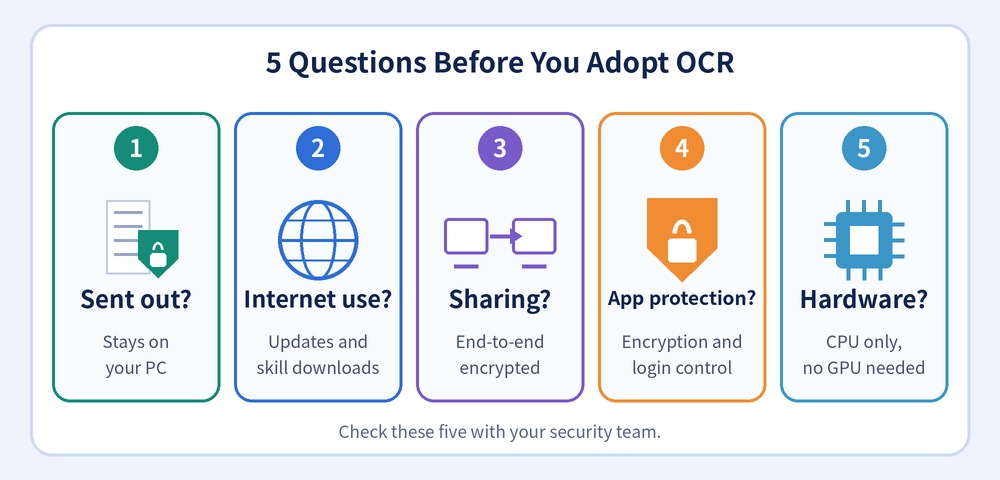
So what do security teams actually ask? Here are five questions.
Question | Answer for Newploy AI |
|---|---|
① Are documents sent to an external server? | Recognition and analysis run inside your PC, and documents do not leave it |
② When is the internet used? | For updates and skill downloads. Web search and the web collection in Interests also use the internet, but document recognition stays on your PC |
③ What about sharing inside the company? | Documents are shared with colleagues on the same network with end-to-end encryption, and the receiver can use them without recognizing them again |
④ How is the app itself protected? | Encryption of the app and the table-structure model has been strengthened, and logging in on another device signs out the previous one |
⑤ Is special hardware needed? | It runs on a CPU alone, so a standard office PC without a GPU is a fine place to start |
When you review on-device OCR security, look at internet-based features separately from document recognition.
3. On-Device OCR Security: A Pre-Adoption Checklist
However, on-device OCR security does not cover everything. Keep these four points in mind before you adopt it.
What to check | Why it matters |
|---|---|
Your organization's internal security policy | Handling rules differ by document type and organization |
Which features use the internet | Web search and Interests use it, while document recognition stays on your PC |
A review step for recognized results | A person compares important documents with the original |
Access control for the PC you use | Documents live on the PC, so who can use it matters |
Deciding where documents stay is where on-device OCR security begins.
Try Checking On-Device OCR Security Yourself
Newploy AI is an on-device document AI, so recognition happens on your PC and your documents never leave it. In addition, it runs on a CPU alone, so a standard office PC is a fine place to start.
Read one document together with your security officer and check the five on-device OCR security questions above yourself.
You can download it at newploy.ai/download.