How offline OCR keeps recognizing documents without internet, what still needs a connection, and how to prepare before you travel.
Offline OCR: Recognize Documents Without an Internet Connection
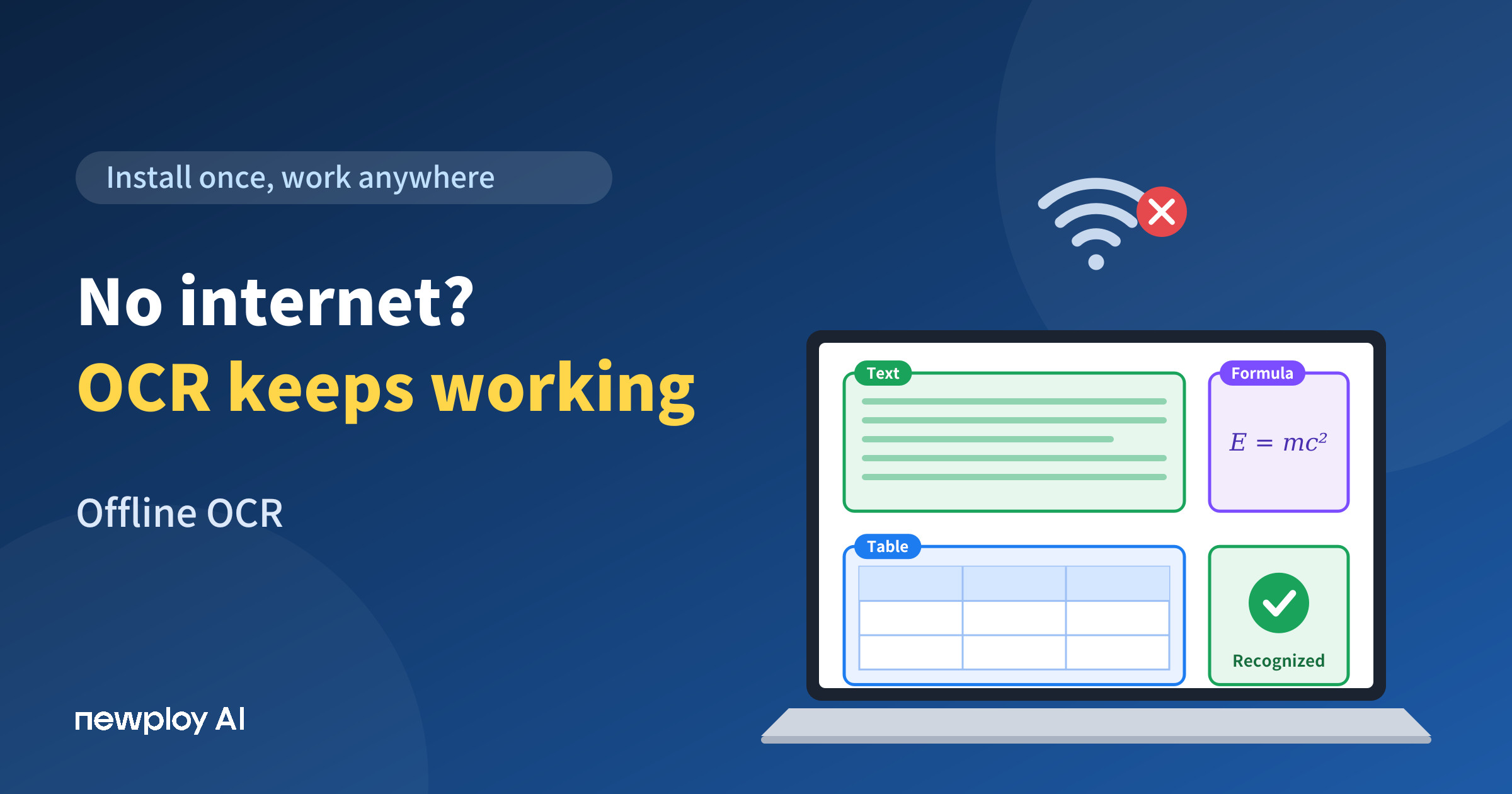
Offline OCR is the kind of feature you only miss when the Wi-Fi is gone. Maybe you are on a flight with a stack of contract photos to sort out. Maybe you work in an office where outside internet access is blocked for security. However, many OCR tools only start working once you are online, so the moment the connection drops, recognition stops too.
In this guide, we’ll use Newploy AI to explain how documents get recognized with no internet after installation, what works offline and what doesn’t, and how to prepare before you need it.
What Is Offline OCR?
OCR (optical character recognition) turns text in scans, photos, and image-based PDFs into text a computer can use. Offline OCR does the same thing without needing an internet connection.
Newploy AI is desktop software that you install on a desktop or laptop, and recognition happens on your own computer. As a result, once it is installed, it recognizes documents normally even with no internet connection at all.
OCR that needs the internet | Offline OCR (Newploy AI) | |
|---|---|---|
Internet during recognition | Needed every time | Not needed after installation |
Where the document is processed | External server | Your own computer |
If the connection drops | Work stops | Work continues |
Getting started | Visit a website | Internet is needed only to download the installer |
Offline here is not a special mode you switch on. Because the recognition models are installed on your PC, it works the same way whether or not you are connected. So there is nothing to change when the connection drops.
When Do You Need Offline OCR?
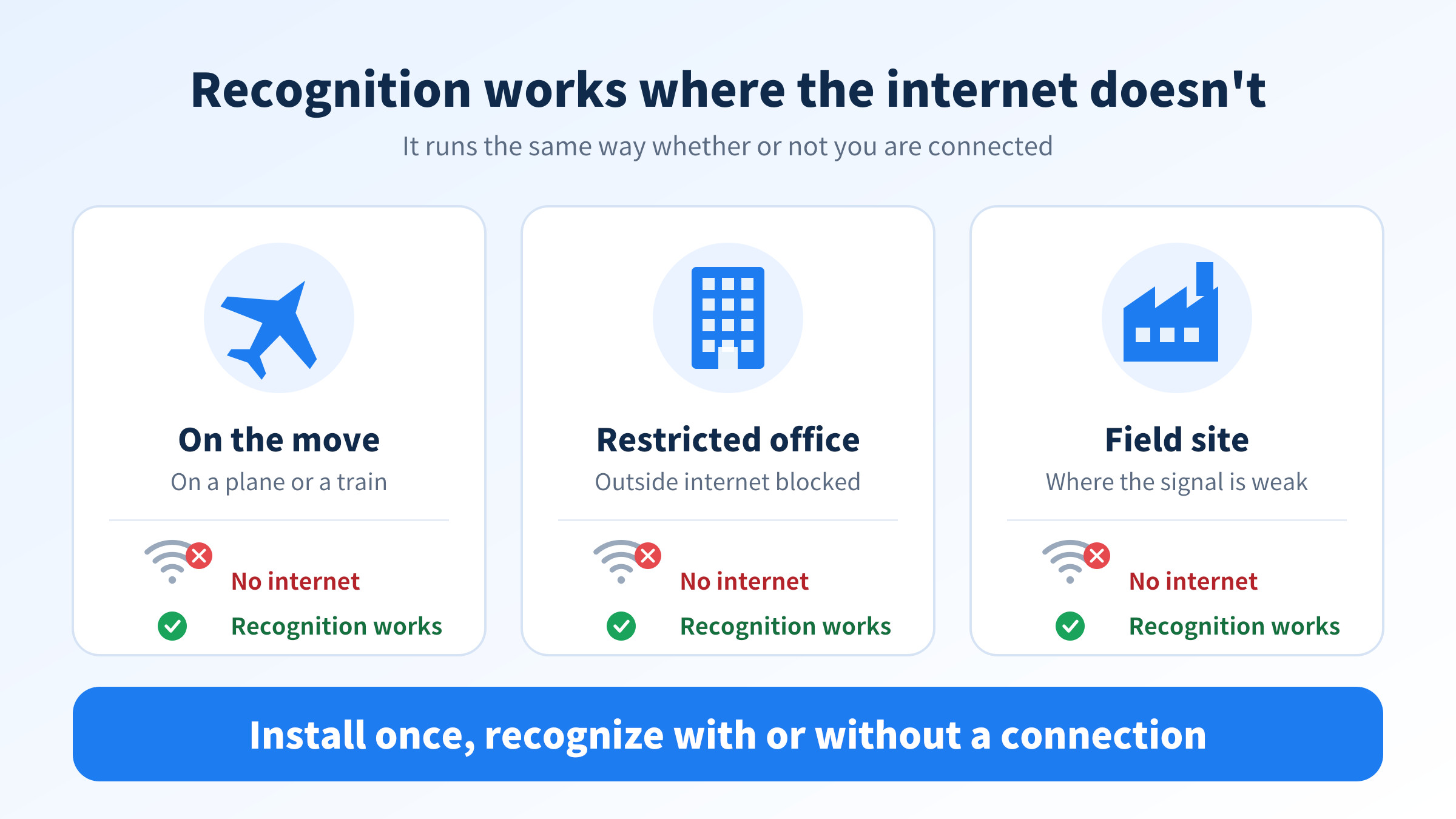
There are three common situations. The first is an office that blocks outside internet access. In fields such as finance, manufacturing, and the public sector, work PCs often cannot reach outside services. In that kind of environment, you need recognition that finishes on the PC itself.
The second is being on the move. On a plane or a train, the connection drops or slows down all the time. The third is a site with an unstable connection. Basements, warehouses, construction sites, and remote branches still produce paperwork, even where the signal is weak.
In the end, offline OCR is not just a backup for when the internet fails. It is the basic ability to keep working no matter what your connection looks like.
What Works Without Internet, and What Doesn’t
Using the software offline doesn’t mean every feature works without the internet. Knowing the difference up front avoids surprises.
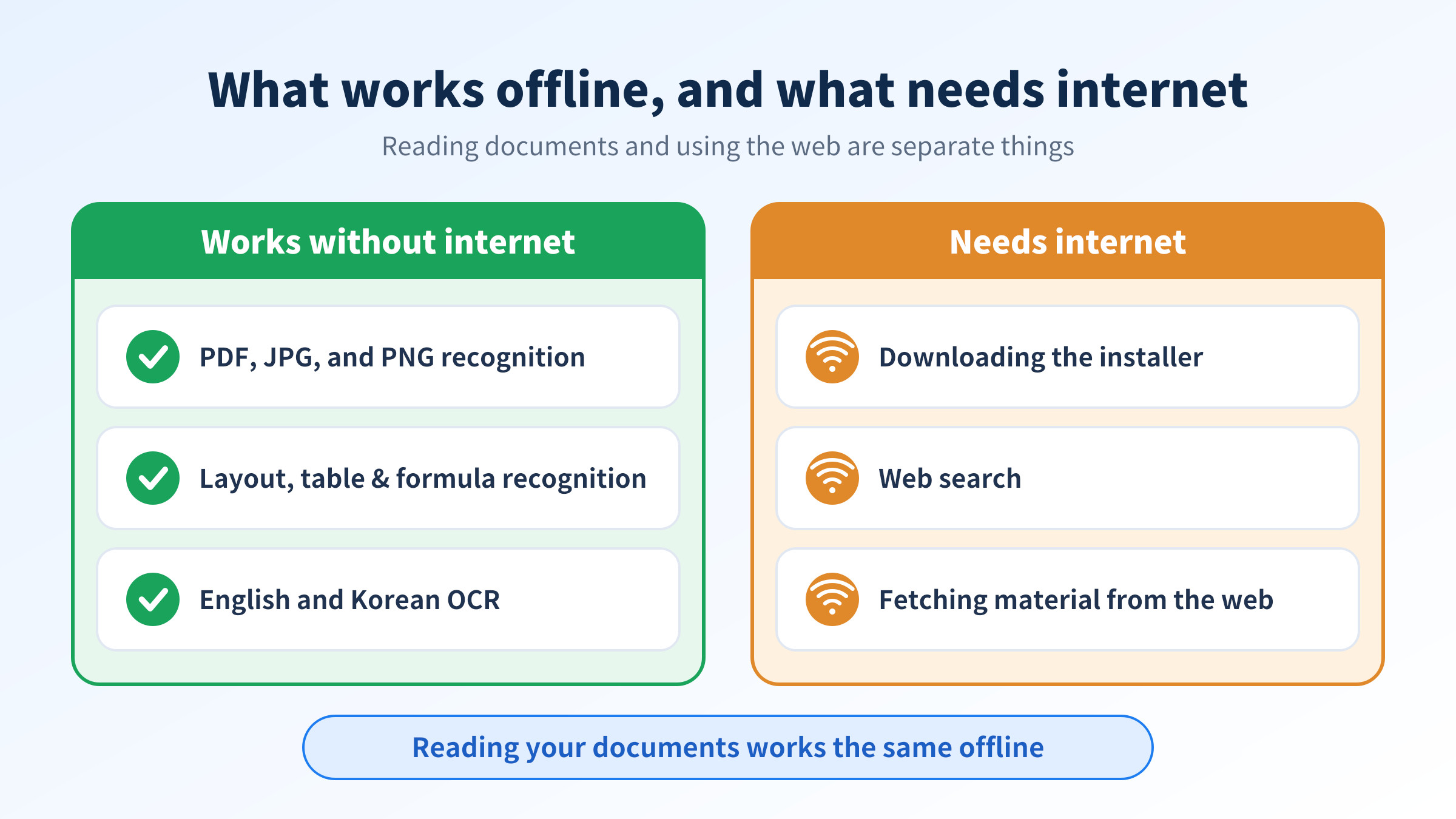
Works without internet | Needs internet |
|---|---|
Recognizing PDF, JPG, and PNG files | Downloading the Newploy AI installer |
Layout, table, and formula recognition | Web search |
English OCR and Korean OCR | Features that fetch material from the web |
In short, the core features that read your documents work the same way offline, and only the features that use the web need a connection. So even in a blocked network, you don’t have to worry about recognition itself.
How to Prepare for Offline OCR
Preparing is simple. The key is to install while you still have internet.
Step | What you do | Note |
|---|---|---|
1 | Download and install Newploy AI while online | This is the only time internet is needed |
2 | Get your PDF, JPG, or PNG files onto the PC | Move smartphone photos to your PC first |
3 | Add documents and run recognition offline | The page is read region by region |
4 | Review the result | Check the text you need |
5 | Copy and paste | Paste into Word or another document |
Here is one tip. If a business trip or a site visit is coming up, finish the installation and move your documents before you leave. Newploy AI isn’t available on smartphones, so photos taken on your phone need to be copied to your PC beforehand. Also, recognized text is used by copying and pasting it into your document, not by exporting a converted file. So retyping by hand mostly disappears, but the final paste is still up to you.
Who Benefits Most From Offline OCR?
A sales rep on a business trip
Imagine a sales rep who installs Newploy AI before an overseas trip. There is no internet on the plane, but the contract and quote photos already on the PC can be recognized and organized on the spot. As a result, far less paperwork is waiting after landing, and travel time turns into paperwork time.
An office on a restricted network
In an office where outside internet is blocked, turning scanned paperwork into text is hard when tools can’t reach the web. Newploy AI, however, recognizes documents normally without an internet connection once installed, so work can continue without bending internal rules. For the security team, that also means no extra request to allow outside connections.
Branch and field staff
At a warehouse or a site office with a weak signal, “waiting until the internet comes back” is common. With offline OCR, you can process paperwork regardless of the connection, so the waiting time disappears.
Frequently Asked Questions
Q. Does it really recognize documents with no internet at all?
Yes. After installation, document recognition works normally with no internet connection.
Q. Do I need internet to install it?
Yes, but only to download the installer. After installation, recognition doesn’t need the internet.
Q. Which features need internet?
Features that use the web, such as web search, work only while you are connected. They are separate from reading your documents.
Conclusion
The point of offline OCR is keeping recognition running even when the internet is gone. Once installed, Newploy AI reads documents the same way on a plane, in a restricted office, or at a site with a weak signal. If you want to sort paperwork without worrying about your connection, start by installing it before you need it.
Try it now: Download Newploy AI
Learn more: Newploy AI
Ask about adoption for your team: Contact us