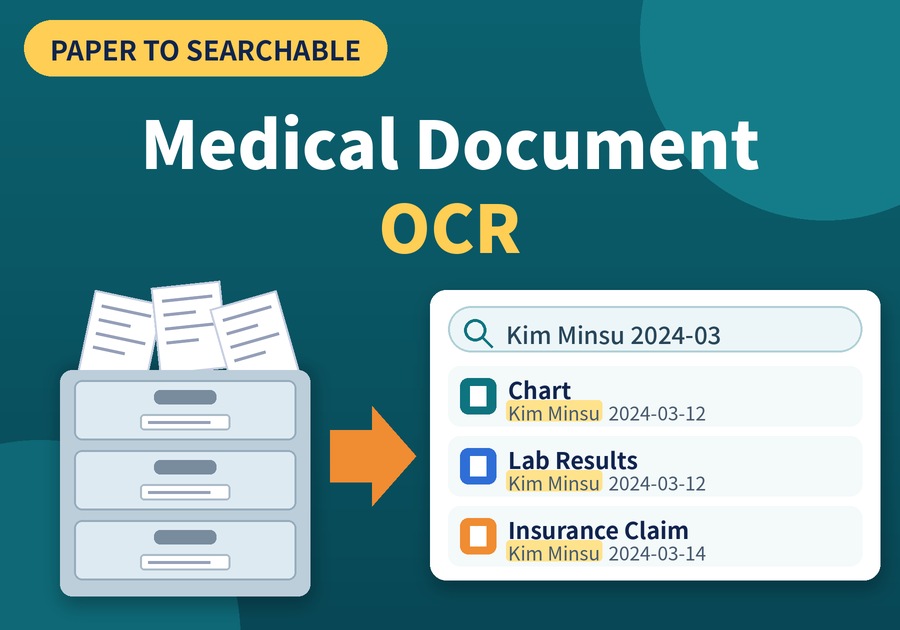
See how OCR turns paper patient charts and insurance forms into records you can search by name or date.
Medical Document OCR for Faster Chart Search
The time you once had to spend flipping through patient charts at a records cabinet shrinks to a few seconds at a search box.
That change is what the OCR feature of Newploy AI brings. Once you scan paper charts and insurance forms and let OCR read the text, you can find any record by name or date. Let's look at how to use it, step by step.
1. Why Paper Charts and Insurance Forms Need Medical Document OCR
Hospitals and clinics often have to keep medical records and insurance paperwork for a set period of time. As a result, paper charts pile up year after year, and finding one patient's record means pulling folders and turning pages one by one. First, let's compare the common ways of keeping them.
Method | Strength | Drawback |
|---|---|---|
Keep paper charts | Original stays intact | Every search means flipping through pages |
Scan only | Saves storage space | Images cannot be searched by patient name or date |
Medical document OCR | Text can be searched and copied | Results need a quick check |
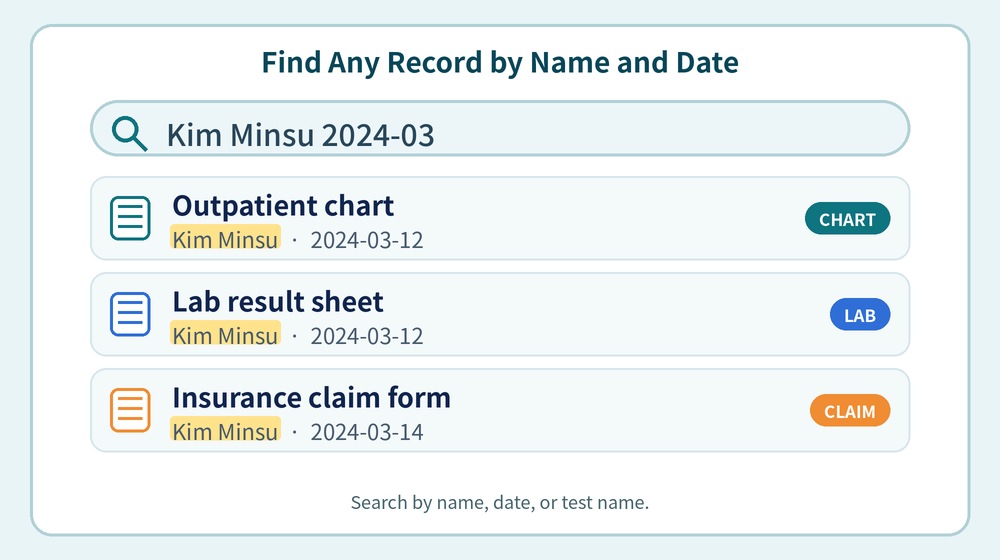
As the table shows, scanning alone still leaves you opening files one by one. In contrast, medical document OCR lets you search by patient name, visit date, or test name. Scanning only stores a record, while medical document OCR makes it searchable.
2. How Medical Document OCR Cuts Search Time
So what does the process look like in practice? Here it is in four steps.
Step | What you do |
|---|---|
① Select | Start with the charts and insurance forms you look up most |
② Scan or photograph | Create image files with a scanner or camera |
③ Recognize | OCR reads the text, tables, and layout |
④ Review and save | Compare with the original, then save to Excel, PDF, or HWPX |
Because the program reads paragraphs and tables as structure, not just plain text, forms full of tables, such as test result sheets and claim forms, are easier to organize. In addition, recognized documents are included in the knowledge base for document search and AI chat, so you can find a record by name or date, and also by asking a question.
3. What to Check When Using Medical Document OCR
However, medical paperwork demands accuracy and privacy, so keep these three points in mind when you use medical document OCR.
What to check | Why it matters |
|---|---|
Follow your retention rules for originals | Use the scan for searching, and keep originals as your organization's rules require |
Compare handwriting and faded parts with the original | Catches recognition errors |
Confirm recognition runs on your PC | Keeps patient information from leaving the computer |
For handwritten entries in particular, compare the result with the original once. It also helps to check your organization's internal security policy before you start. Let OCR do the reading, and have a person check only the key parts, so you can rely on medical document OCR.
Getting Started with Medical Document OCR
Newploy AI is an on-device document AI, so recognition happens on your PC and your documents never leave it. In addition, it runs on a CPU alone, so a standard office PC is a fine place to start, and you can share recognized documents with colleagues on the same network.
Next time you need a patient chart, open the search box before the cabinet.
You can download it at newploy.ai/download.