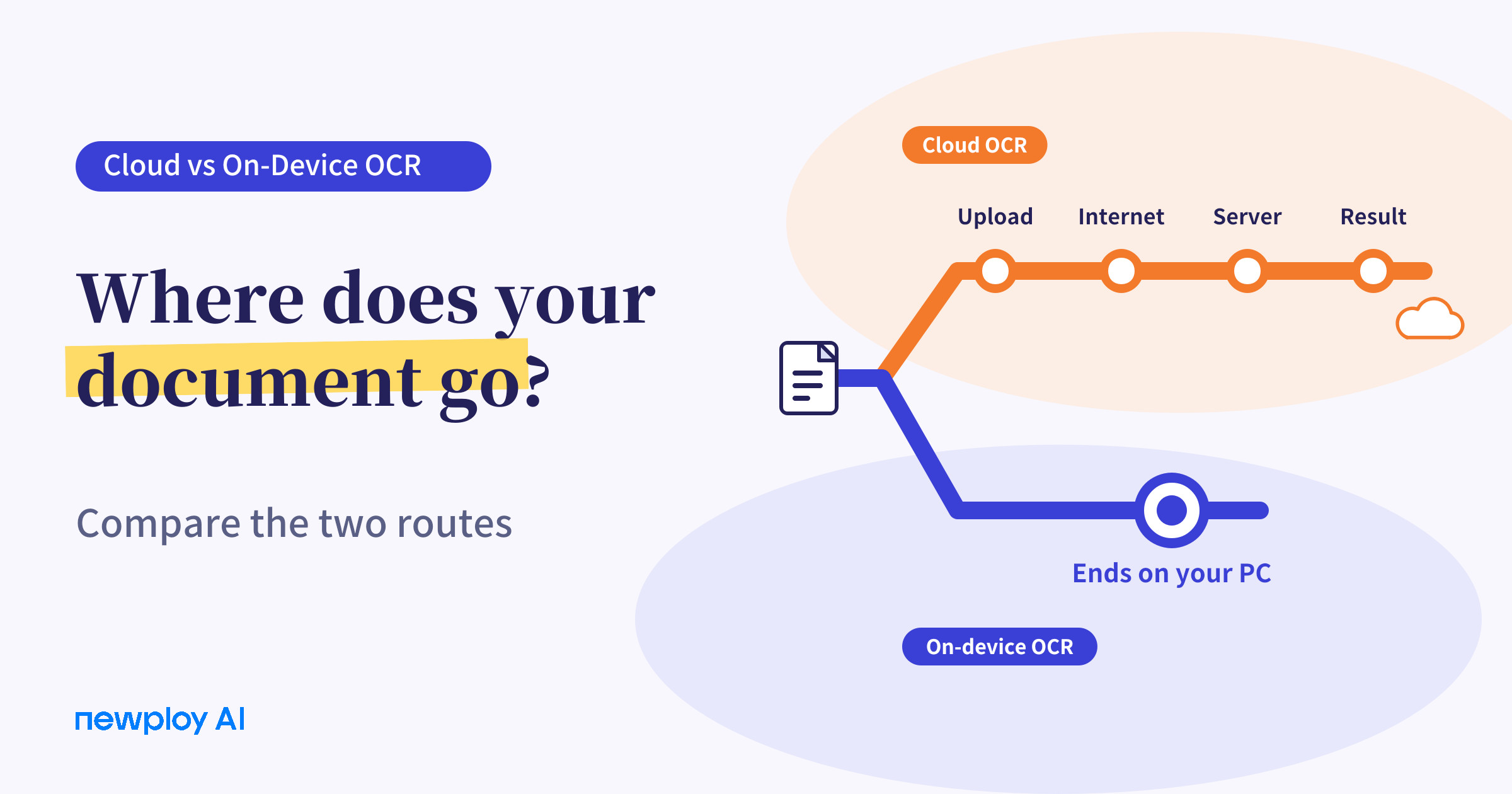
We compare cloud OCR, which sends documents to a server, with on-device OCR, which processes them on your PC. Learn how document sensitivity and internet access help you choose the right approach.
Cloud OCR vs On-Device OCR: Which Fits Your Documents?
When people choose an OCR service, they often compare recognition quality first. But when you hand over contracts, payroll files, or partner price lists, where the document is processed matters just as much. Even with the same OCR, a document that leaves your computer and one that stays on it come with quite different conditions and concerns.
In this guide, we explain what cloud OCR and on-device OCR each are, how to choose between them, and how Newploy AI processes your documents.
What Are Cloud OCR and On-Device OCR?
Cloud OCR sends your document over the internet to an external server, processes it there, and returns the recognized result. Many services work right in a browser or an app, with nothing to install.
On-device OCR processes the document inside your own computer. Because the document does not leave the machine, processing never passes through an external server.
Cloud OCR | On-device OCR (Newploy AI) | |
|---|---|---|
Where it runs | External server | Inside your computer |
Document transfer | Sent to a server over the internet | Not sent outside |
Internet | Needed each time you process | Not needed for processing after installation |
Where you use it | Web or app (varies by service) | The PC where it is installed (Newploy AI runs on desktops and laptops) |
In short, the two differ in where the document gets read.
The Document Takes a Different Route
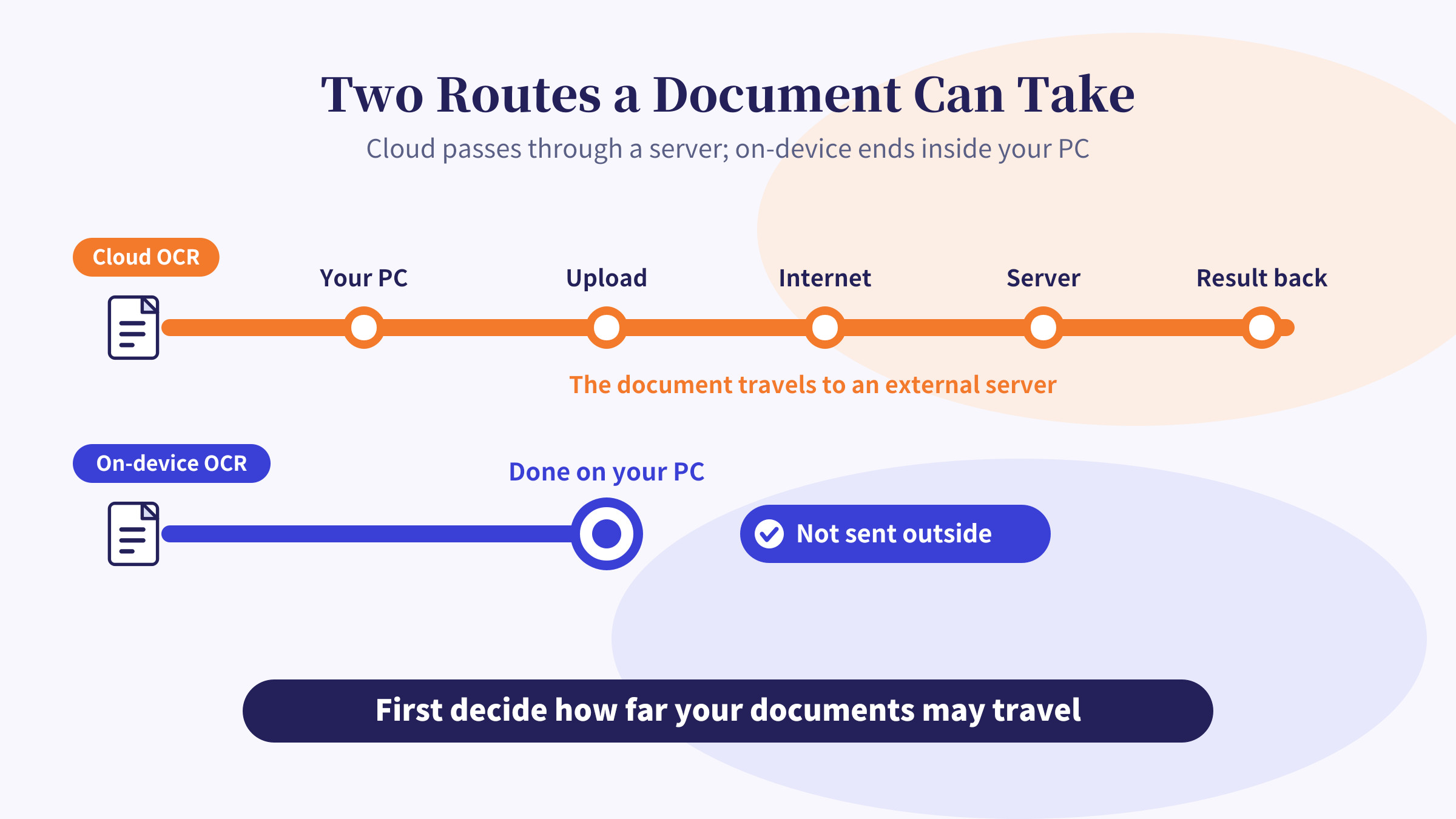
With the cloud approach, the document leaves your PC, crosses the internet, is processed on a server, and the result comes back. As a result, the route gets longer, and every leg depends on the internet and an outside service.
With the on-device approach, recognition finishes on the PC where you loaded the document. Therefore, the document’s route stays inside your own computer.
What Should You Base the Choice On?
There is no single right answer. The better fit depends on your documents and environment, so the four criteria below make the decision easier.
Criterion | What to look at |
|---|---|
Document sensitivity | Are these contracts, payroll, or client files that are hard to send out? |
Internet environment | Is the connection at your office or site always stable? |
Device | Do you mostly work on a PC, or do you need it on a smartphone too? |
How you adopt it | Can you install software, or must it run in a browser? |
Among these, document sensitivity and internet environment often decide the approach.
How Newploy AI Processes Documents
Newploy AI is on-device document OCR software. When you load a PDF, JPG, or PNG, layout recognition separates body text, tables, and equations into regions, and Korean and English OCR read the text. Tables are analyzed by row and column so the text in each cell is read, and equations are converted to LaTeX.
All of this happens inside your PC and is never sent outside. Once it is installed, document recognition also works without an internet connection. You only need internet to download the installer.
Recognized text is not exported as a file. Instead, you copy and paste it, so you can move it straight into Word or Excel. That cuts down on retyping by hand.
How to Choose by Situation
Here is a summary based on situations you are likely to meet.
Situation | Better fit |
|---|---|
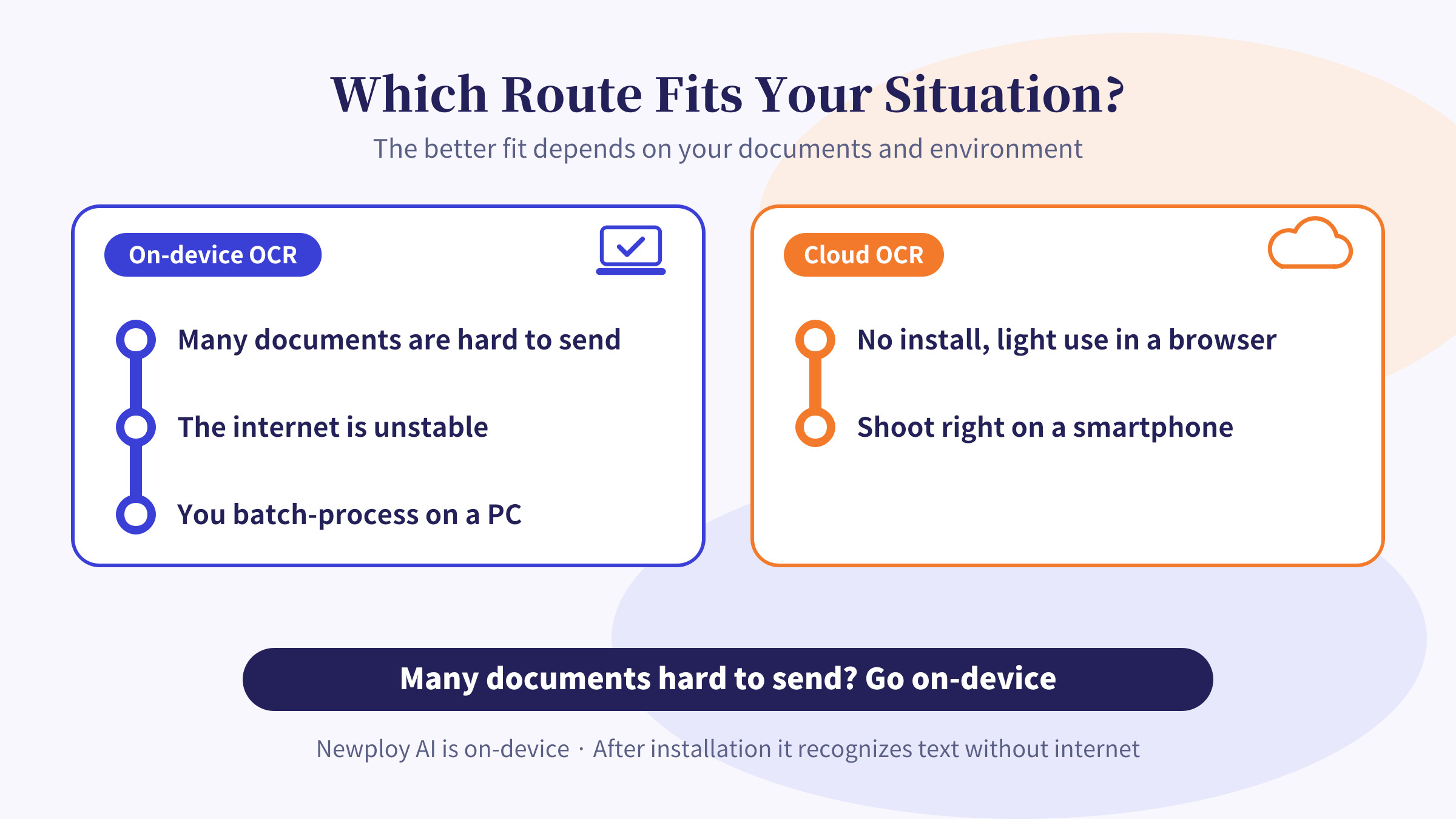
You handle many documents that are hard to send out, such as contracts and payroll | On-device |
You work where the internet is unstable or restricted | On-device |
You mostly gather documents and process them in batches on a PC | On-device |
You want to convert a page or two quickly in a browser, with no install | Cloud |
You want to shoot and process right on a smartphone | Cloud (Newploy AI does not support smartphones yet) |
In other words, on-device suits you if many documents are hard to send and you work mainly on a PC, while cloud can be handier if a light, no-install setup comes first.
Check These Before You Adopt
Whichever approach you pick, there is a sequence to check first. The table below helps you avoid trial and error.
Step | What to check | Note |
|---|---|---|
1 | List the documents you mainly handle | Sort them by type: contracts, statements, timesheets |
2 | Decide which can be sent outside | Check your company’s security rules as well |
3 | Review your work environment | Look at your devices and your internet |
4 | Test with sample documents | Check the recognition result on real files |
5 | Compare the result with the original | Focus on numbers and proper nouns |
Steps 4 and 5 matter most. Results can differ from one product to another more than from one approach to another, so check with your own documents.
Where This Helps in Practice
Legal and general affairs staff
Contracts and internal policies are often uncomfortable to send outside. In that case, a method that processes on your PC saves you from asking every time whether a file may be sent. Still, compare the recognized text with the original once.
Factory and site office staff
When the internet in an office is unstable or limited, handing processing to an outside service is hard. Therefore, a tool that recognizes text without internet after installation helps. You need internet only to download the installer.
Accounting and tax office staff
Client receipts and statements contain personal data and amounts. As a result, using a method that keeps documents on your PC lightens the worry of handling client records.
Frequently Asked Questions
Q. Is cloud OCR unsafe?
Not necessarily. Security differs from service to service. However, the cloud approach sends documents to an external server, so check in advance whether a document may be sent.
Q. Can I use Newploy AI without internet?
Yes, once it is installed, document recognition works normally without an internet connection. You only need internet to download the installer.
Q. Does it run on a smartphone?
Not yet. It currently runs on desktops and laptops only. Move photos from your phone to your PC before recognizing them.
Q. Which files can it recognize?
PDF, JPG, and PNG. Body text, tables, and equations in a document are read as separate regions.
Conclusion
Rather than declaring one approach better, decide first how far your documents may travel. Newploy AI processes documents on your PC, never sends them outside, and recognizes text without internet after installation. If you often handle documents that are hard to send out, install it once and give it a try.
Try it now: Download Newploy AI
Learn more: About Newploy AI
Planning a rollout for your company? Contact us